




Joomla!® Extensions, Modules, Plugins and Templates
Since 2008, we are constantly providing the highest quality Joomla! extensions on the market.
Backed up by +150K happy customers we decided to offer frontend design solutions well known as Joomla! Templates in order to make the Web a better place.

Extensions Demo
Explore the power of our extensions the way our +150K Happy Customers did
Administrator Demo Frontend DemoTemplates Demo
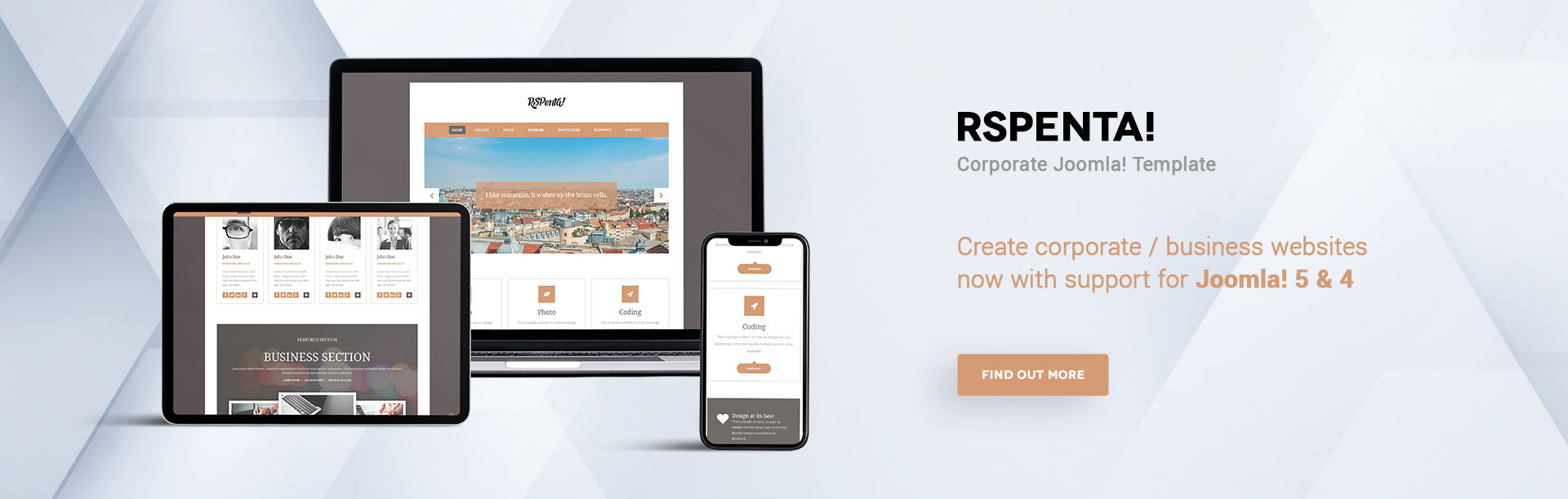
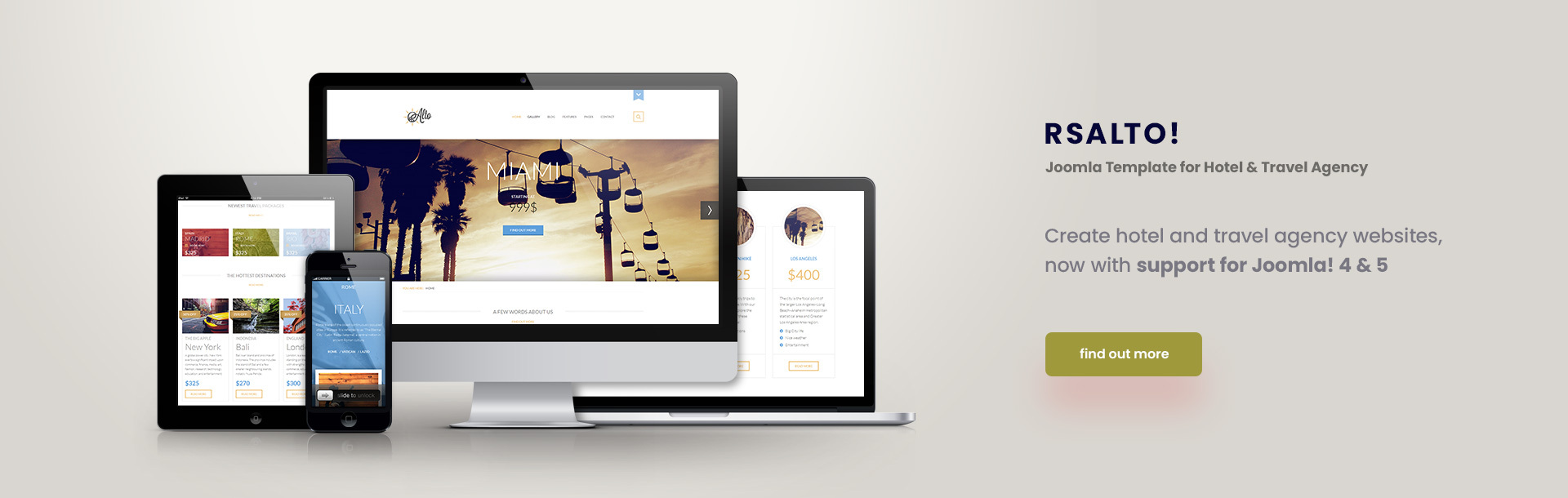
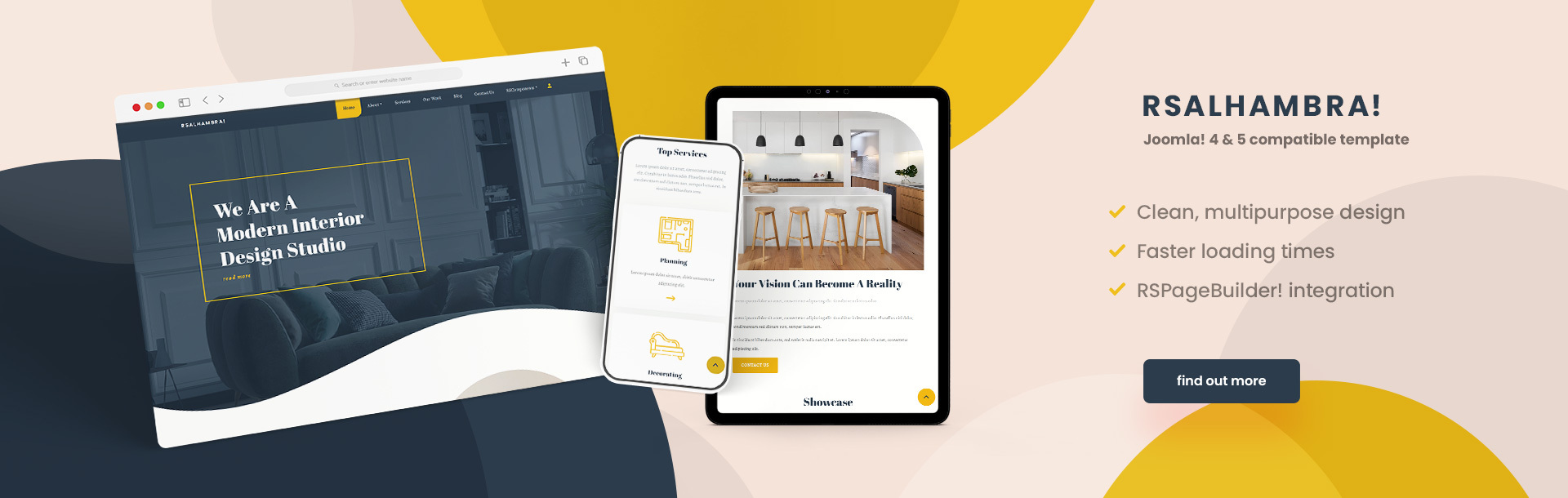
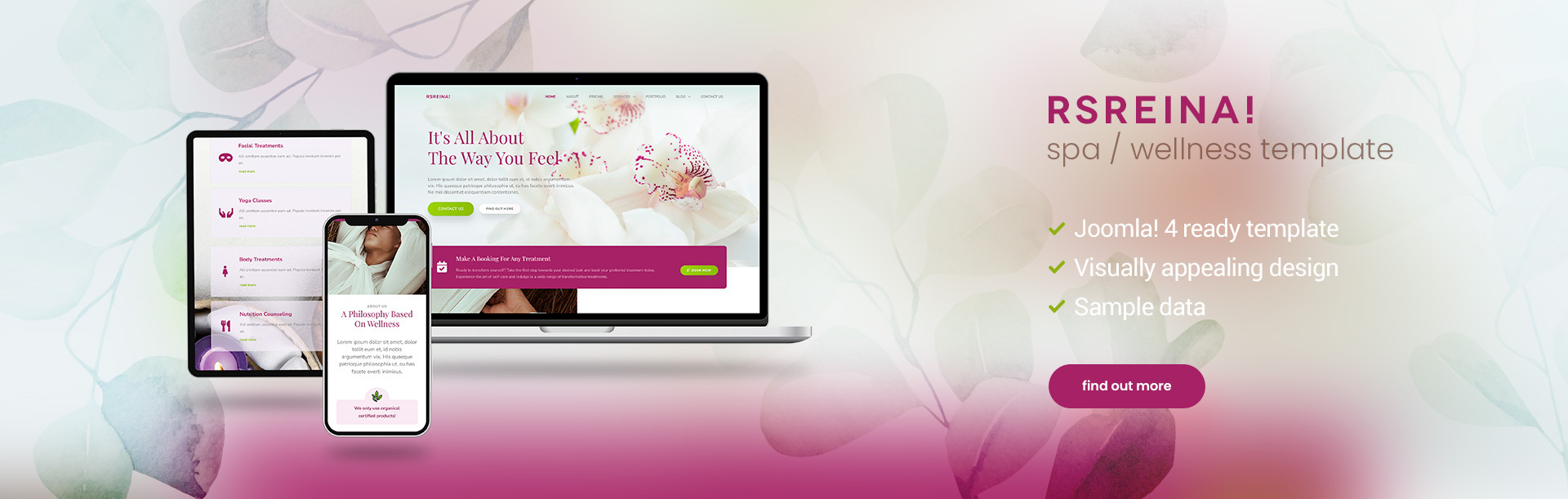
Highly customizable responsive website templates packed with awesome features
Frontend Demo
Latest updates
Latest blog entries

A Spooktacular Sale: Save on RSJoomla! Extensions This Halloween
No tricks, just treats! This Halloween, enjoy spooktacular savings on RSJoomla! extensions and templates.

Autumn Has Arrived! And So Have RSJoomla! Deals
Fall is here, and so are the savings! Make this season the perfect time to refresh your Joomla! website with special RSJoomla! offers.

Cheers to 21 Years of Joomla!
Joomla! has reached another incredible milestone, and we're celebrating with a special offer just for you. Here's to 21 years of innovation, community, and building amazing websites together!
Latest articles from our docs
RSBlog! Changelog
in RSBlog! - Changelog 2 days ago.05 Nov 2026 Version 1.14.13 Fixed - Improved post saving logic and the logic for sending email subscriptions. 20 May 2026 Version 1.14.12 Added - Support for .webp files Fixed - Post attachments from 'Select local file' could not be downloaded. 11...
RSFirewall! Changelog
in RSFirewall! User Guide - Changelog 4 days ago.03 Nov 2026 Version 3.3.19 Fixed - An error would show up when parsing the Google Web Risk response. 27 Aug 2026 Version 3.3.18 Added - Option 'Show Blocked IP in Forbidden Message' in Firewall Configuration - Active...
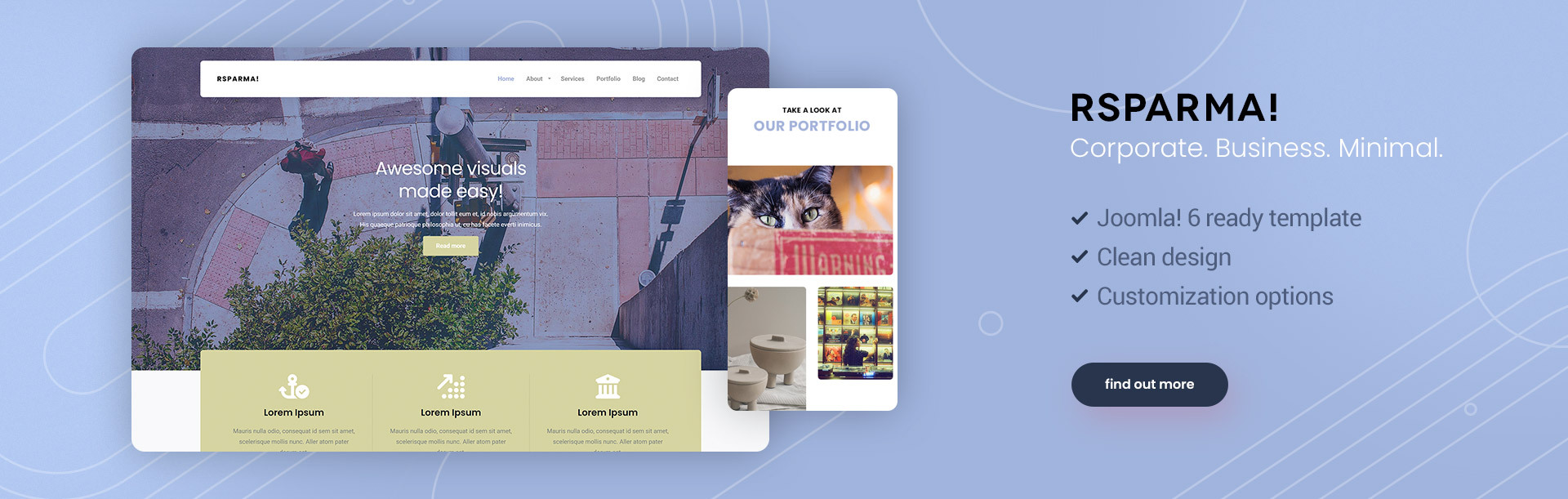
RSParma! Changelog
in RSParma! - Changelog 5 days ago.02 Nov 2026 Version 1.0.3 Fixed - Site header submenus were not closing when in click-to-open mode. Fixed - Google Analytics code was not injected into pages. 11 Aug 2026 Version 1.0.2 Fixed - Site header submenus were not opening on tap...

Build Your Website Now!
Take a look at our extensive portfolio and choose the best combination of templates and compoents to build your website from the ground up.
We have more than 10 years of experience with developing solutions for the Joomla! community and offer a 100% satisfaction guaranteed when using our products. With each purchase you will also be able to call on our highly trained support specialists to help you better understand how each component or template works.